
Builder Shape Paths: 6 Brilliant Side-and-Corner Games
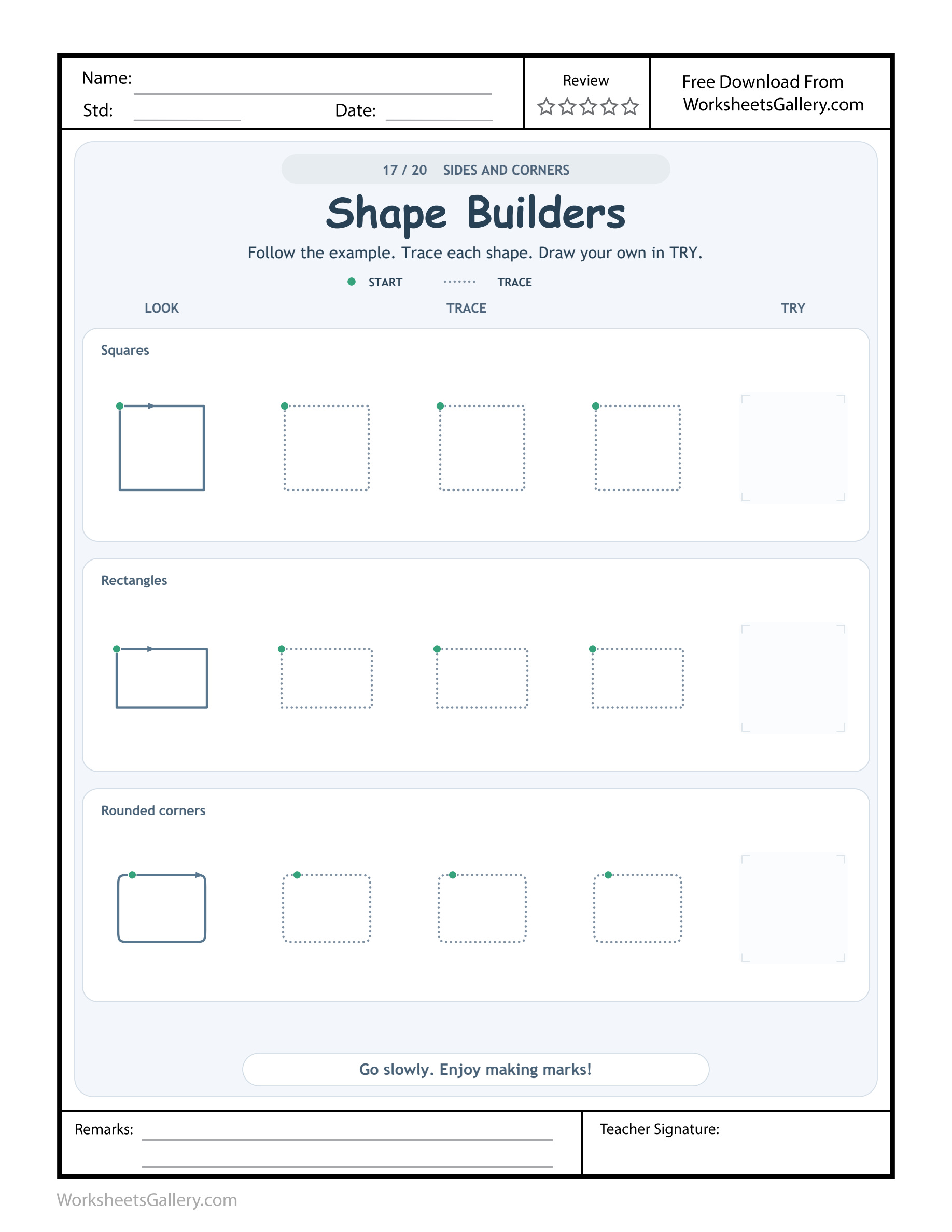
A boundary can tell a builder where to travel and where to turn. Builder Shape Paths compares squares, rectangles and an outline with rounded corners, asking children to inspect both the sides and the joins. The Shape Builders worksheet supplies solid models, dotted outlines and independent windows for three different plans. Begin with the first arrow and follow a whole boundary rather than drawing several disconnected sticks. The aim is a visible route around a shape. A child can explain its turns with a finger before deciding which outline to try with a drawing tool.
Builder Shape Paths opens the inspection desk
Look at the square's upper-left beginning and rightward arrow. Its route follows straight sides, changes direction at corners and returns to the starting region. Ask where the first side ends before asking the child to draw the entire boundary.
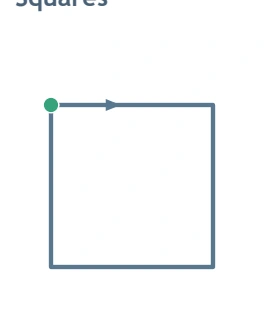
Builder Shape Paths treats each corner as part of a plan. A rounded turn would change this first model, even though the line might reach a similar destination. The third row deliberately offers that rounded alternative, so the useful question is which kind of join the selected model shows.
Builder Shape Paths compares three boundary plans
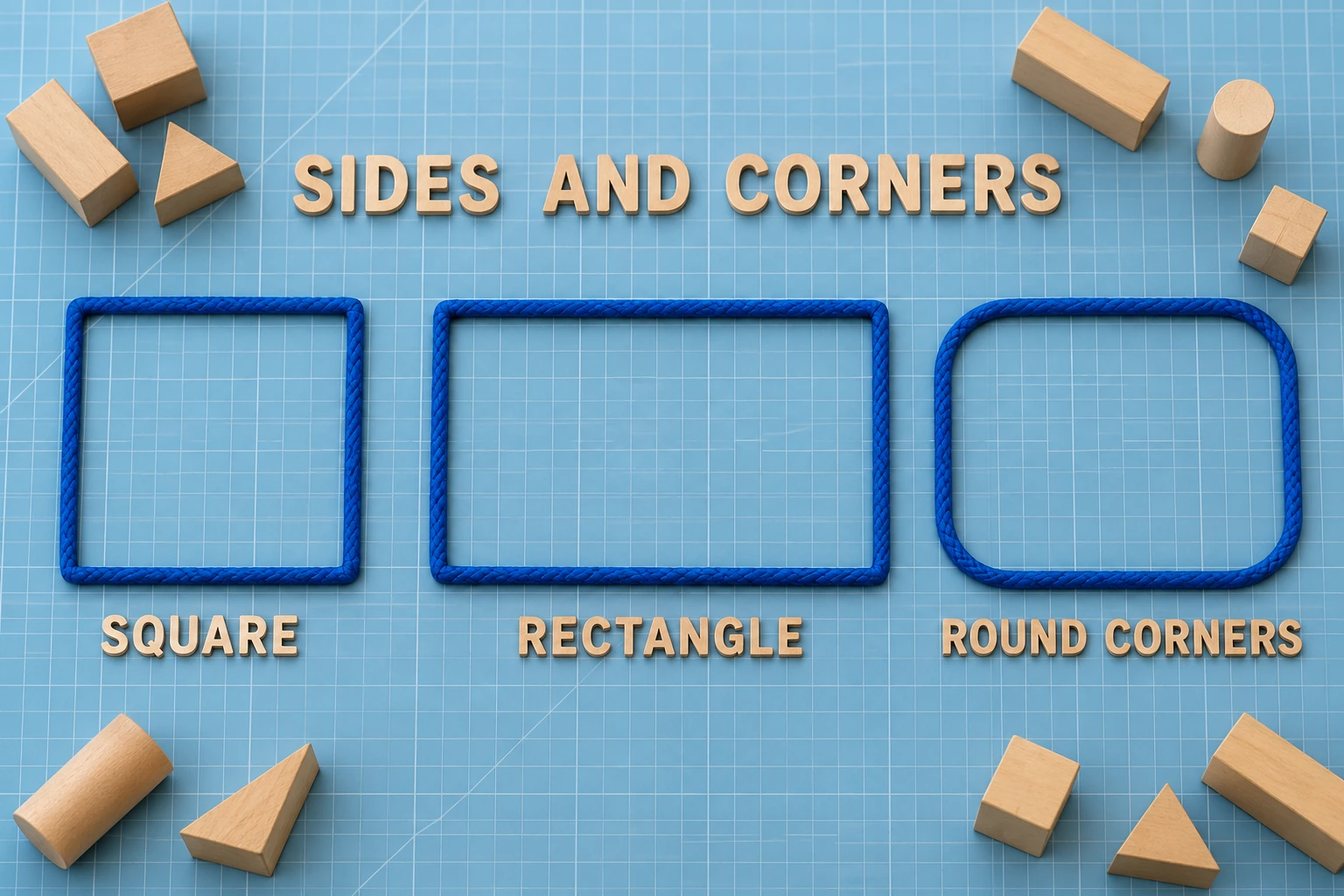
The Builder Shape Paths source labels are Squares, Rectangles and Rounded corners. Each Builder Shape Paths row has a solid LOOK example and a TRY window, with three dotted versions between them. Nine dotted examples and three independent windows are available across the page. Their open practice spaces are intentionally left for the learner.
Builder Shape Paths does not require calling the rounded-corner model a sharp-corner rectangle. Its curved joins are the comparison feature. The wide rectangle in the second row retains square corners while changing proportions; inspect its longer horizontal sides before drawing from a remembered square shape.
| Plan | Sides | Joins |
|---|---|---|
| Square | Four equal sides in the model | Square corners |
| Rectangle | Longer across than up | Square corners |
| Rounded outline | Straighter stretches | Curved transitions |
Milan gives Builder Shape Paths a block-town purpose
Milan and his uncle sketch a pretend block town. Milan draws a square doorway, then wants a wider notice board. His uncle points to the rectangular source model and asks which stretches farther across. Milan compares the sides with his finger before drawing another boundary.
Their Builder Shape Paths visit stays with that proportion decision. Milan follows a dotted rectangle and makes a larger notice board on separate paper. His uncle describes its longer across sides, leaving smoothness and exact dimensions out of the first conversation.
Builder Shape Paths gives the drawing a recipient too. Milan dictates a town notice for the board and explains its outline to his uncle. The sheet remains a reference, while the independent design belongs to the child and can include other marks or invented writing.
Seven Builder Shape Paths details adults can recognise
- Boundary continuity: follow around an outline rather than leaving unrelated sticks.
- Corner decisions: locate where a straight segment changes direction.
- Proportion: compare a square model with a wider rectangular one.
- Turn quality: distinguish an angular join from a gradual curved transition.
- Closure: notice where the route returns to its beginning.
- Motor planning: inspect the next side before steering toward it.
- Useful vocabulary: side, across, upright, corner and rounded describe visible features.
Builder Shape Paths brings visual comparison and spatial language together with coordinated hand movement. These opportunities do not require a perfect outline. A child can identify a rounded join while needing a large marker version to draw it comfortably.
Builder Shape Paths at home follows one chosen plan
Prepare a stable drawing surface, the page and spare paper. Read one label and inspect its solid model. Find the start and arrow, then follow the boundary with a finger. Ask one question about a side or join before inviting a short dotted attempt.
For Builder Shape Paths copying, keep the model available. The TRY window can hold an independent version, but larger separate paper is an equally useful option when compact corners are difficult. Compare one intended feature instead of making every side length and turn a simultaneous demand.
Close Builder Shape Paths with the child's explanation. They might point to the wider side or show where their outline came back to its start. That observation can be enough for a brief visit without completing all three rows.
Builder Shape Paths keeps the square's turns visible
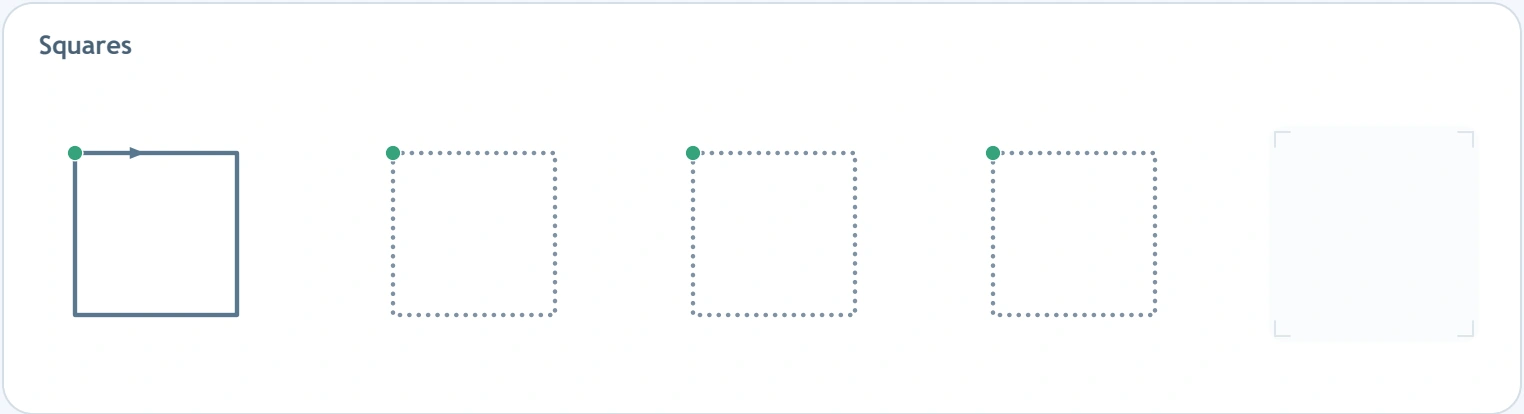
The first row offers a clear angular boundary. If a child rounds every corner, ask which model they intended to follow and compare a single join. They may be drawing a meaningful rounded outline even though it differs from the square chosen for this attempt.
Builder Shape Paths feedback can separate intention from execution: “You wanted a square turn here; let's look at that corner.” A larger fresh version can clarify the movement more effectively than repeatedly rubbing and redrawing one small crowded spot.
Six Builder Shape Paths jobs for a pretend design office
These optional jobs belong on separate cards or paper. Each makes one boundary feature useful to a partner. Choose a job connected with the learner's current question rather than requiring every extension after the worksheet.
1. Builder Shape Paths appoints a corner inspector
Draw two outlines, one with square joins and one with curved joins. The inspector finds the plan that matches the selected source model. Builder Shape Paths inspection can be done by pointing, keeping the visual decision separate from the small drawing demand.
Let the child draw the next pair for the adult. Discuss the joins that are visible, allowing an uneven side to remain while the corner rule receives attention.
2. Give Builder Shape Paths a wide-board commission
Pretend a town needs a notice board that stretches farther across than upward. The child designs a boundary and dictates a message for it. Builder Shape Paths commissions connect rectangular proportion with a clear drawing purpose.
A partner examines the longer sides and asks about the message. The board need not match the source's exact dimensions to communicate the intended relationship.
3. Builder Shape Paths makes a boundary journey card
Draw a starting dot and arrow on a large square route. A receiver follows the sides with a finger and names each change of direction. Builder Shape Paths journey cards encourage reading the outline in order rather than recognising the shape and skipping the route.
Exchange roles so the child can explain a beginning to the adult. The arrow has a useful communication job instead of being a decorative mark beside the shape.
4. Send Builder Shape Paths a softened-corner request
Ask the designer for a sign with curved joins rather than sharp corners. Compare the resulting outline with the third source model. Builder Shape Paths requests make a gradual turn an intentional feature, not an error to correct back into a square.
Dictate ROUND CORNERS beside the separate drawing. A partner points to a join that fits the request, keeping the model and the child's design available for comparison.
5. Builder Shape Paths opens a side-length conversation
Offer a square card and a wider rectangle card. Partners describe what changes and what stays angular. Builder Shape Paths conversations can use “farther across” before formal measurements, allowing the child to compare the visible proportions directly.
Invite a new drawing only if wanted. The learner can make a useful spatial observation without producing several nearly identical outlines merely to prove they noticed the difference.
6. Make Builder Shape Paths a town-map exchange
Each partner draws one closed building boundary and dictates a label. Exchange maps and follow the chosen outline from a marked beginning. Builder Shape Paths exchanges give a receiver a reason to inspect closure, sides and turns together.
If the route is unclear, the designer explains or makes another version. The goal is a readable plan for someone else, rather than a competition for the straightest or smallest building.
Builder Shape Paths changes proportion in the rectangle row
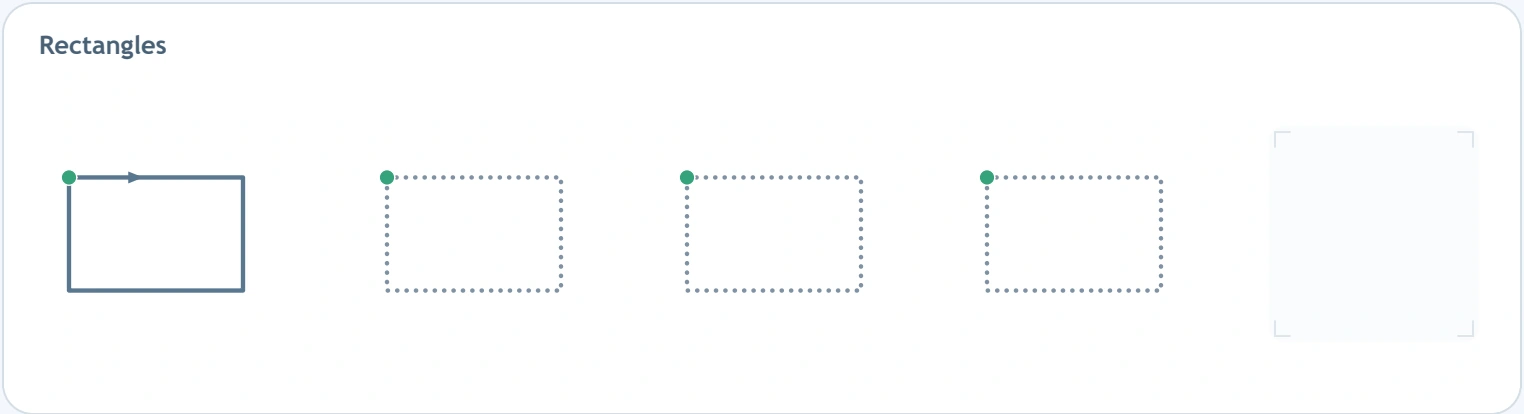
The second model extends farther horizontally than vertically. A child may automatically repeat the familiar square action, overlooking those longer across sections. Point along the model's width and height before beginning the dotted outline.
Builder Shape Paths independent versions can vary in size while retaining a wide relationship. Recognise the longer across sides before adding a concern about closure or a particular corner. One clear observation makes the next drawing choice easier to understand.
Builder Shape Paths in a classroom planning office
A teacher offers individual design cards for a pretend town. Children choose an outline for a doorway, notice board or soft-corner sign, then point to its source inspiration. They dictate a short label and explain a chosen boundary feature to a partner.
Builder Shape Paths allows different problems within the same group. One child investigates proportion while another studies closure. Provide label reading, gestural responses and larger cards when needed. Record the decisions children explain rather than comparing how many dotted outlines they finish.
Rounded Builder Shape Paths calls for a different turn
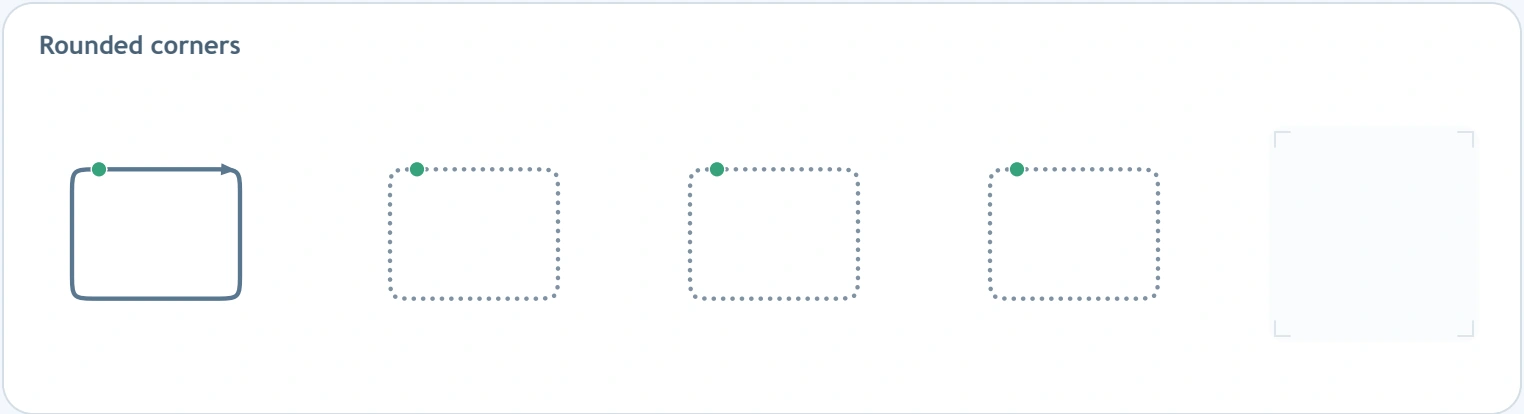
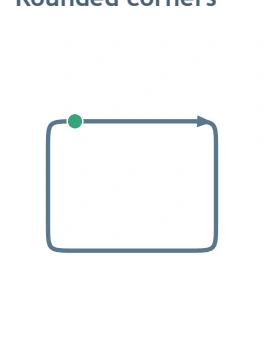
The last model joins straighter stretches through curved transitions. Inspect a join closely before tracing; preserving a square corner here would change the chosen plan. This comparison is about noticing the requested turn, not declaring either kind of corner better.
Builder Shape Paths common difficulties include disconnected sides, unnoticed proportion changes, unclosed boundaries and carrying one corner style into another model. Identify the actual difference before suggesting help. Change one feature while keeping the learner's plan visible.
Builder Shape Paths can remain inviting across visits
Many children aged about three to six explore prewriting with adult support, though their drawing experience varies. Pointing around a large boundary can precede compact tracing. The child need not read the printed labels independently, and the adult need not steer their fingers to secure an even line.
Regular Builder Shape Paths visits can return through a new town-map job or sign request. Keep a remembered feature and change its purpose. Stop for fatigue or frustration; a clear explanation of one boundary is a reasonable ending. Attention, motor control and spatial language can be supported without turning the page into a test.
Builder Shape Paths printing and later line arrangements
To use the clean member edition, sign into an account with current eligible access and choose the premium PDF. Save that Builder Shape Paths attachment separately from the original sample. Its printable page has no watermark, domain promotion or embedded ads. Inspect the US Letter sheet in print preview, selecting scaling that preserves the complete border and independent windows. Advertisements on the website are separate from this saved file.
Later letter interests may include letter-E line arrangements, letter-L direction changes or letter-F strokes, each with its own formation instructions. Adults can find additional purposes in NAEYC's home-writing ideas for families and PBS Parents' age-four literacy resources.
Popular Worksheets
Printable resources families and teachers are downloading now.
 Free
Free
 Free
Free
 Free
Free
 Free
Free