
Space Picture Search: 6 Amazing Everyday Discoveries
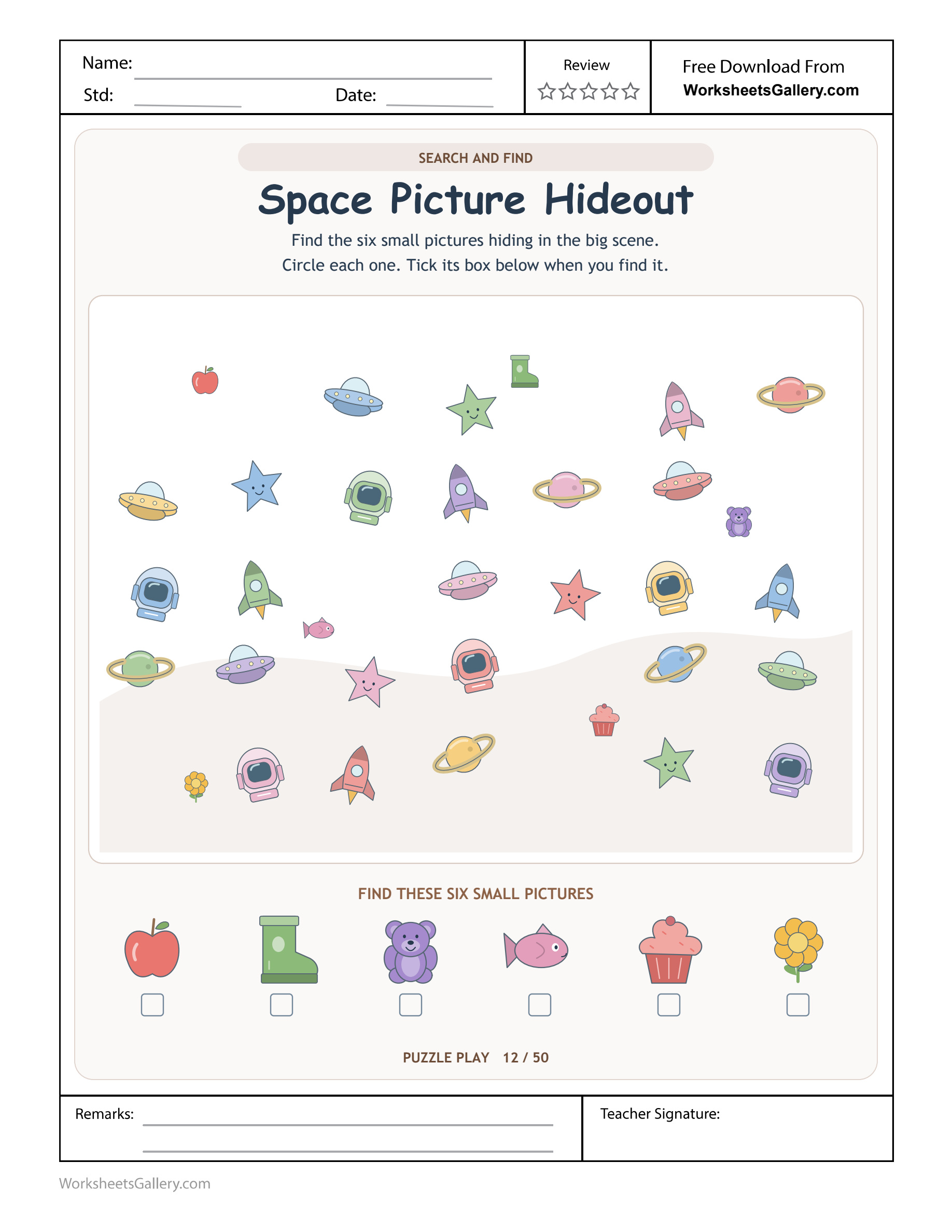
Give the space search a place in a reusable puzzle file. Purchase all 25 uploaded worksheets together for $5. The clean PDF includes these everyday-object targets as well as reflection grids, crosswords and the rest of the supplied selection.
An apple and a cupcake are unexpected visitors to a busy space scene. Space Picture Search asks children to locate six everyday targets among rockets, planets and other decorations, then connect each discovery with its checklist record. The visible reference strip remains available throughout, so searching need not become a memory test. Choose one visitor, inspect a manageable lane and compare any likely find with its target picture. A circled object and a ticked box should tell the same small story about what was actually located.
Space Picture Search: the rule on this particular sheet
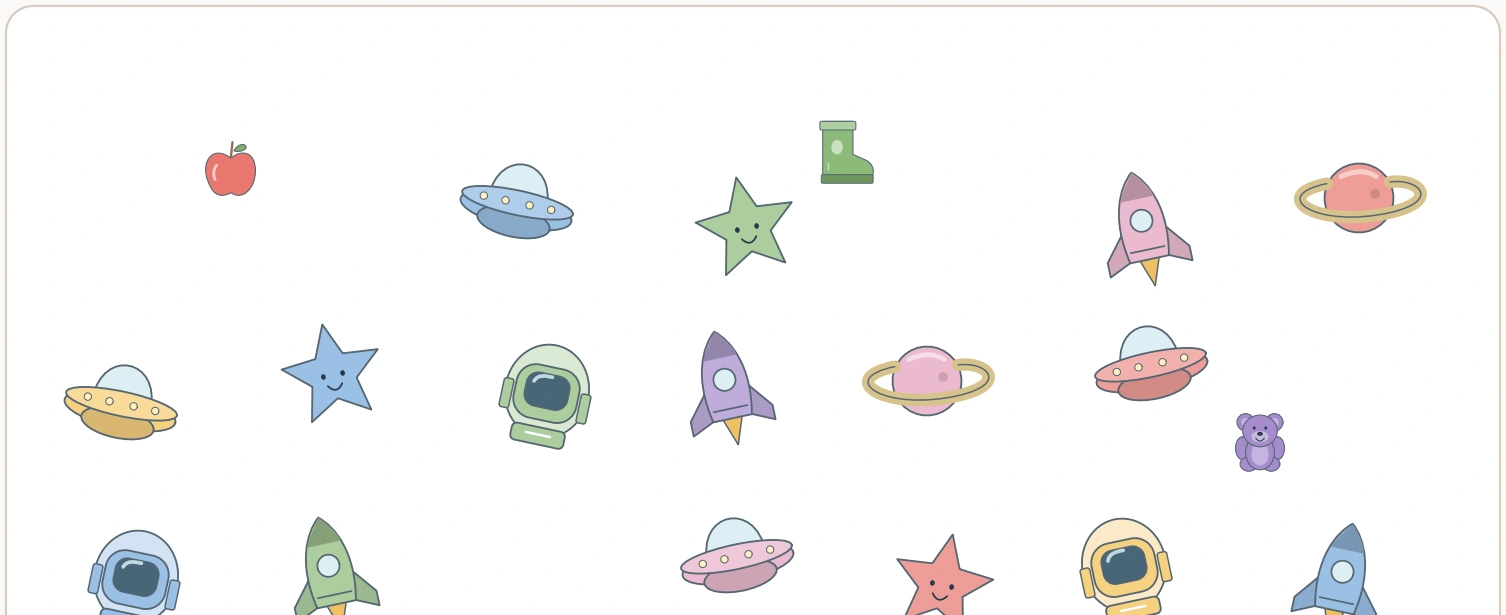
Six everyday target pictures sit below the busy space scene: apple, boot, teddy bear, fish, cupcake and flower. The printed mission is to find those objects, not every rocket, planet or star.
Circle each target in the main scene and tick its reference box afterward. The small strip is a checklist of identities, while the large picture provides the evidence that the object has been located.
What object confirmation reveals
A systematic sweep can be useful when the scene is visually busy. Inspect a short horizontal lane or a bounded patch, then move to a new region instead of jumping repeatedly between the brightest space decorations.
The target pictures remain visible, so this is not a memory test that requires covering them. A child can return to the strip whenever an object is uncertain or a remaining target needs to be chosen.
A space decoration is not automatically a target
The scene contains many objects that fit its theme, while the six requested visitors are familiar everyday pictures. Ask the child to compare an interesting rocket with the reference strip before deciding to circle it. This makes relevance a visible choice. The child can enjoy the space setting while keeping apple, boot, teddy, fish, cupcake and flower as the actual search identities.
Imagine Ada at a home puzzle table
Ada begins by admiring a planet. Her teacher asks her to name the six mission visitors before searching. She chooses the boot, scans a small patch and then checks the reference image to confirm the shape she has found. Here, Space Picture Search gives Ada a reason to discuss selective attention using the Space Picture Hideout clues.
A practical Space Picture Search sequence
Mission visitors with Ada
Begin Space Picture Search: mission visitors. Apple, boot, teddy, fish, cupcake and flower define the search. Ask Ada, “Is this one of our six visitors?” The teacher and Ada can inspect mission visitors together.
Small search lane with Ada
Next inspect Space Picture Search: small search lane. Inspect a manageable region before moving elsewhere. Ask Ada, “Which patch comes next?” The teacher and Ada can inspect small search lane together.
Object confirmation with Ada
Then confirm Space Picture Search: object confirmation. Compare the found shape with its visible reference. Ask Ada, “Does it match the small picture?” The teacher and Ada can inspect object confirmation together.
Circle then tick with Ada
Finally record Space Picture Search: circle then tick. Record the scene find before checking the target box. Ask Ada, “Where did you find the boot?” The teacher and Ada can inspect circle then tick together.
Space Picture Search adult reference
| Printed clue | Source check |
|---|---|
| Mission visitors | Apple, boot, teddy, fish, cupcake and flower define the search. |
| Small search lane | Inspect a manageable region before moving elsewhere. |
| Object confirmation | Compare the found shape with its visible reference. |
| Circle then tick | Record the scene find before checking the target box. |
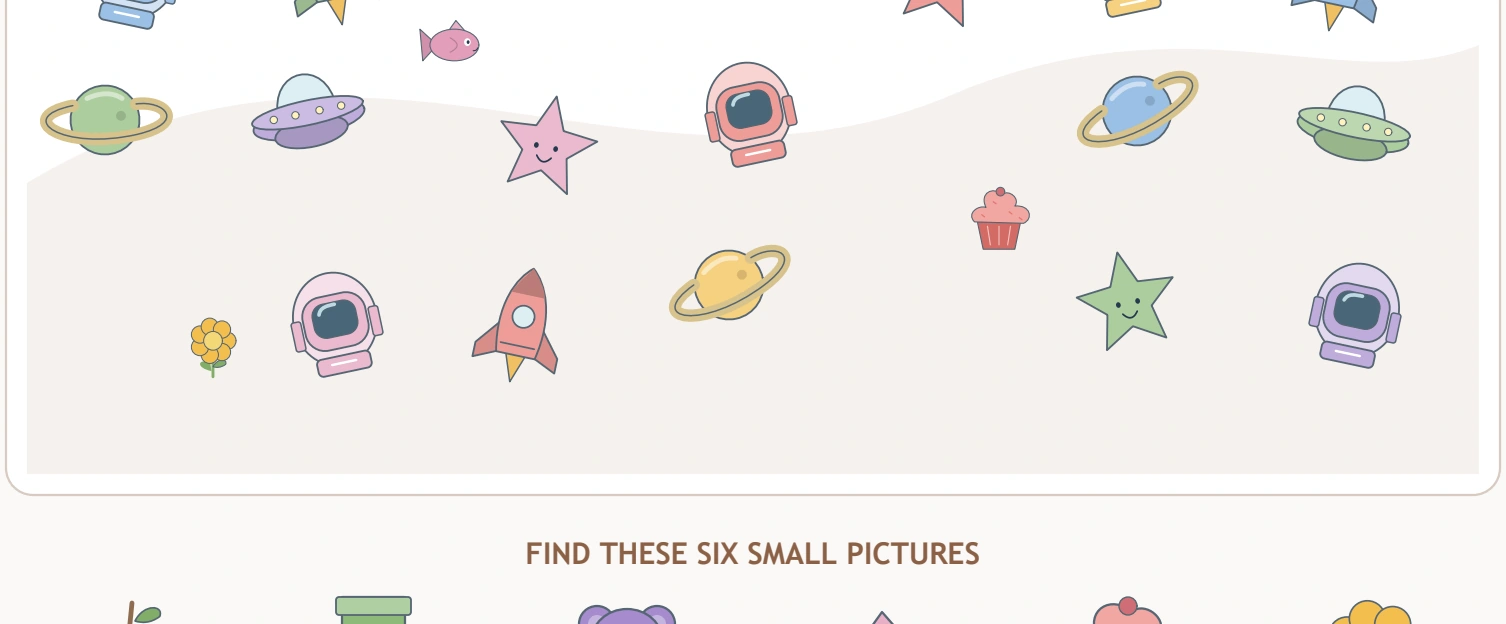
A lane gives the eyes a practical route
A short horizontal sweep can prevent repeated visits to the same bright planet. Choose a manageable region, inspect it for the selected target and then move to the next area. The lane is an optional search strategy, not another printed line to draw. A child who finds a different systematic method can explain it, provided the method supports coverage and accurate object identification.
5 observations in Space Picture Search
Selective attention: Is this one of our six visitors
Here, the mission targets differ from the decorative space theme. The prompt “Is this one of our six visitors?” gives Ada a way to explain selective attention to the teacher.
Coverage awareness: Which patch comes next
In Space Picture Search, a search lane gives a place to begin and finish. The prompt “Which patch comes next?” gives Ada a way to explain coverage awareness to the teacher.
Reference use: Does it match the small picture
In Space Picture Search, a visible target can resolve uncertainty about a shape. The prompt “Does it match the small picture?” gives Ada a way to explain reference use to the teacher.
Position language: Where did you find the boot
In Space Picture Search, a partner needs a location as well as an object name. The prompt “Where did you find the boot?” gives Ada a way to explain position language to the teacher.
Linked recording: Have we recorded this find
In Space Picture Search, the circle and tick refer to one verified discovery. The prompt “Have we recorded this find?” gives Ada a way to explain linked recording to the teacher.
Space Picture Search: object confirmation mistakes
Repeatedly searching the same bright region can hide progress. Point out which area has been inspected and choose the next lane. Also keep the found object and its checklist box linked; an unchecked target may already be circled if the recording step was missed. Invite Ada to discuss object confirmation with the teacher.
Keep the visible reference available
The source does not ask children to memorise six targets and hide them. Looking back at the strip is a sensible use of information. An adult can model comparing a likely shape with its reference, then returning to the scene to confirm the find. This separates the visual search challenge from an additional memory demand that might obscure what the child actually understands.
Five play invitations after Space Picture Search
Launch six visitor tokens
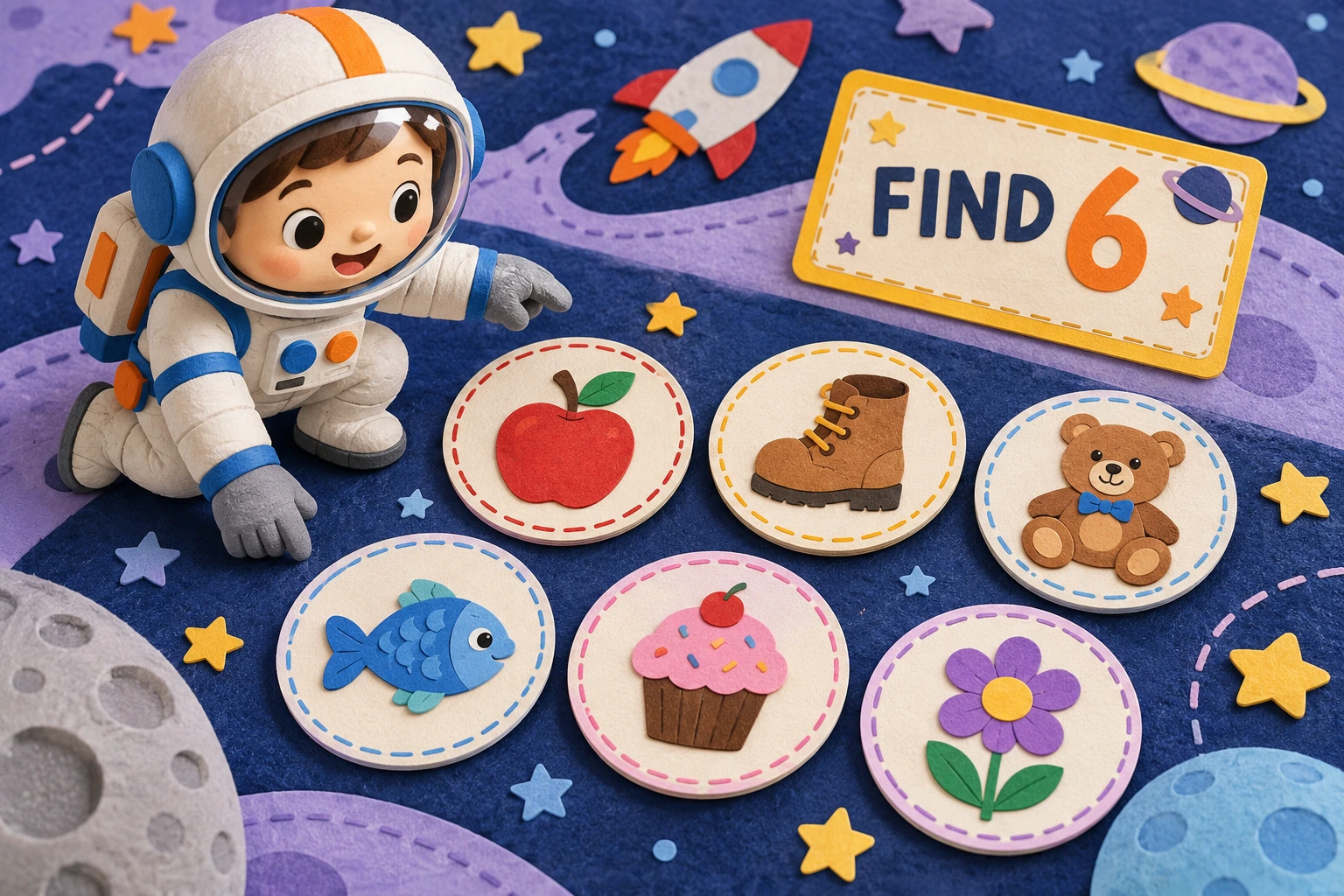
Place the six everyday picture tokens on a space mat and read a completed FIND 6 card. Hide one behind a broad paper planet and describe which identity remains visible. After this Space Picture Search play round, ask the teacher which clue Ada chose to explain.
Call mission coordinates
A child tells a partner where a token sits using above, below or beside. The listener points to the location before naming the target, practising a precise search report. Let Ada demonstrate this example before another Space Picture Search visit; ask the teacher to listen for Ada’s reasoning.
Use a paper telescope window
Move a large paper viewing frame over a separate picture collection. Inspect one window fully before shifting it, then discuss how that method could organise the printed scene. On a later Space Picture Search visit, ask Ada what changed; the teacher can discuss Ada’s evidence.
Audit the mission log
An adult circles a teddy model but ticks FISH on a labelled card. The child identifies the mismatch and makes the record agree with the evidence. Ask Ada how this example relates to Space Picture Search; the teacher can follow the clue that Ada identifies.
Plan the next search lane
After searching one strip of a play mat, mark its boundary with a loose pointer. Ask which neighbouring strip should be inspected next, keeping the target identity visible throughout. Keep Ada’s own explanation central in this Space Picture Search game. Let the teacher hear what Ada observed.
Classroom partners inspect small search lane
Partners agree on a search lane and one target before looking. A child who finds an object explains its location with position language, allowing the partner to verify the evidence without immediately taking over the pencil. For a Space Picture Search partner visit, coverage awareness is this space picture search partnership focus.

A mission log should match a discovery
After circling a fish, locate the fish box in the reference strip before ticking. If a different box is marked, repair the record using the pictured evidence. Saying the target name while moving between scene and checklist can help keep the two actions linked. The useful outcome is a trustworthy record of a discovery, not merely a row of ticks added quickly.
Readiness for Space Picture Search at ages 4–6
Read the target names aloud and reduce the mission to one selected object at a time if necessary. Keep the reference strip available rather than adding a memory demand the source does not require. Suggested range for Space Picture Search: ages 4–6. Begin with selective attention and adult support.
For a comfortable Space Picture Search visit, let Ada show mission visitors before the teacher requests another response. Discuss linked recording using the printed Space Picture Hideout example.
A fresh Space Picture Search reason to return
Try a different target order or begin from the opposite side on a later search. Discuss coverage and confirmation instead of measuring how quickly the six boxes are ticked. Ada can show the teacher a new circle then tick observation during that short space picture search visit.
Save a printable Space Picture Search copy
Download the clean Space Picture Search PDF through the premium member option when your active membership is eligible. Website watermark and domain text are absent, and the printable has no ads embedded in it. The original upload stays available as a separate sample. Check that your chosen printing scale preserves both the large space scene and all six checklist targets. This mission is included in the $5 twenty-five-page collection sold through its own purchase option.
Space Picture Search: another printable to explore
Extend the selective attention conversation beyond Space Picture Search with Mission visitors before a road-width task; Reference use and picture-detail tracing; Position language beside a car-and-flag maze.
Explore Space Picture Search alongside NAEYC family-writing ideas and Space Picture Search with PBS Parents literacy activities. Keep mission visitors, position language and flexible persistence connected to the pictured puzzle.
Popular Worksheets
Printable resources families and teachers are downloading now.
 Free
Free
 Free
Free
 Free
Free
 Free
Free